Connect a video game system Freestyle projector
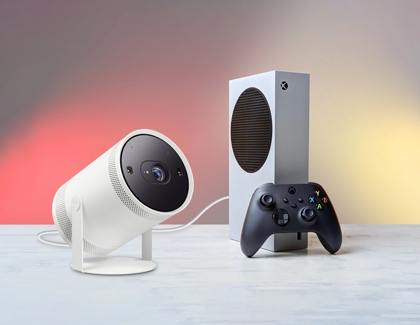
Video game consoles, such as an Xbox or PlayStation, can be connected to The Freestyle via HDMI. This lets you project your favorite game onto a wall or ceiling!
-
Plug one end of the HDMI cable into your console’s HDMI output port.
-
Plug the other end of the cable into The Freestyle’s Micro HDMI port.
-
Next, turn on both The Freestyle and your video game console.
-
Then, using The Freestyle’s remote, navigate to the Menu, and then select Connected Devices. Select your connected device.
https://www.samsung.com/